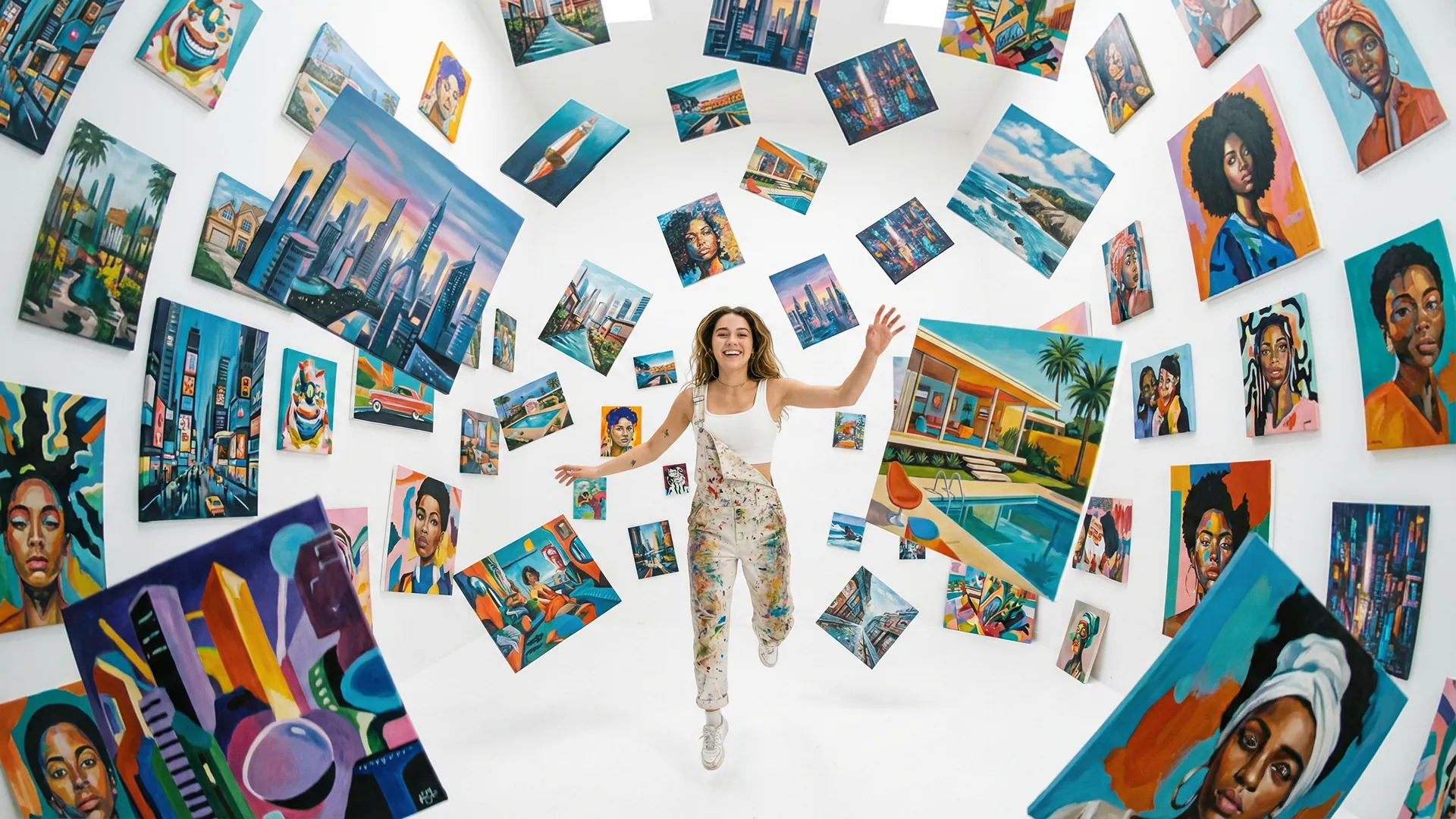
Image Generator
Describe what you picture and let AI draw it using DALL-E, Flux, and Stability models from one panel for unique content.
Image Generator
Describe what you picture and let AI draw it using DALL-E, Flux, and Stability models from one panel for unique content.
Image Generator
Describe what you picture and let AI draw it using DALL-E, Flux, and Stability models from one panel for unique content.
Remix area

No shared posts yet.
AI Image Generator: Create Stunning Visuals from Text
Aitopia's AI image generator turns plain text into polished, ready-to-use visuals in seconds. Type a description, choose a style, and let the model handle composition, lighting, and detail. Whether you need a hero image for a landing page, a concept sketch for a pitch, or a unique avatar for social media, the image generator delivers - without Photoshop, stock photo licenses, or a designer on call.
What Is an AI Image Generator?
An AI image generator is a model that converts written prompts into pictures. Instead of searching for stock assets or commissioning illustrations, you describe what you want - “a vintage espresso bar in soft morning light” - and the system produces it. Modern image generators understand style references, color palettes, camera angles, and even emotional tone, which is why they've become a daily tool for marketers, founders, and creators.
How Aitopia's AI Image Generator Works
The Aitopia image generator runs in the browser. There's nothing to install and no GPU to manage. Three steps from idea to download.
1. Write Your Prompt
Describe the scene, subject, and style. Be specific: lighting, mood, camera angle, and art style all change the output. The clearer the prompt, the closer the result to your vision.
2. Pick a Model and Aspect Ratio
Aitopia integrates multiple top-tier image models, each with different strengths - photorealism, illustration, branding, anime. Pick the one that fits your use case, set a ratio (1:1, 9:16, 16:9), and generate.
3. Refine, Upscale, or Export
Like a result? Upscale it, run a style transfer, or export directly. Want a variation? Tweak the prompt and regenerate. Your full history stays in your library so you can always come back.
Common Use Cases
Marketing and ad creatives. Spin up scroll-stopping visuals for social ads, email headers, and landing pages without booking a photo shoot.
Product mockups and pitches. Visualize a product in a real-world scene before a single render is built. Useful for early-stage founders, designers, and pitch decks.
Blog and editorial imagery. Generate unique, on-brand article hero images that aren't on every other website using the same stock catalog.
Personal projects and avatars. Create profile pictures, gift cards, custom prints, or fan art with full control over style and content.
Why Choose Aitopia's AI Image Generator
Multiple models in one place. Compare outputs across Flux, SDXL, and other industry-standard models without juggling separate accounts.
No design experience required. Plain English prompts work. The interface guides you toward the settings that matter and hides the noise.
Built-in upscaling and editing. Generate, upscale, and refine inside the same workspace. No exporting, re-importing, or third-party tools.
Tips for Better Results
- Lead your prompt with the subject, then add style and lighting details.
- Use reference styles (e.g., “in the style of a 1990s travel poster”) for more consistent output.
- Specify what you don't want with negative prompts when offered.
- Generate in batches and pick the best - single shots rarely capture intent perfectly.
- For higher-resolution prints, upscale after generation rather than asking for huge dimensions upfront.
Try AI Image Generator Now
Stop scrolling stock libraries. Describe what you need, and Aitopia's AI image generator delivers - in your style, at your pace, on every plan including free.
Frequently Asked Questions
- Do I keep the rights to images I generate?
- Yes. Images you generate are yours to use commercially under Aitopia's standard terms. Always check model-specific licensing for edge cases like real-person likeness.
- How long does generation take?
- Typical prompts complete in 5–15 seconds depending on the model and resolution selected.
- Can I generate images for free?
- Aitopia includes free credits with every account so you can try the image generator before upgrading.