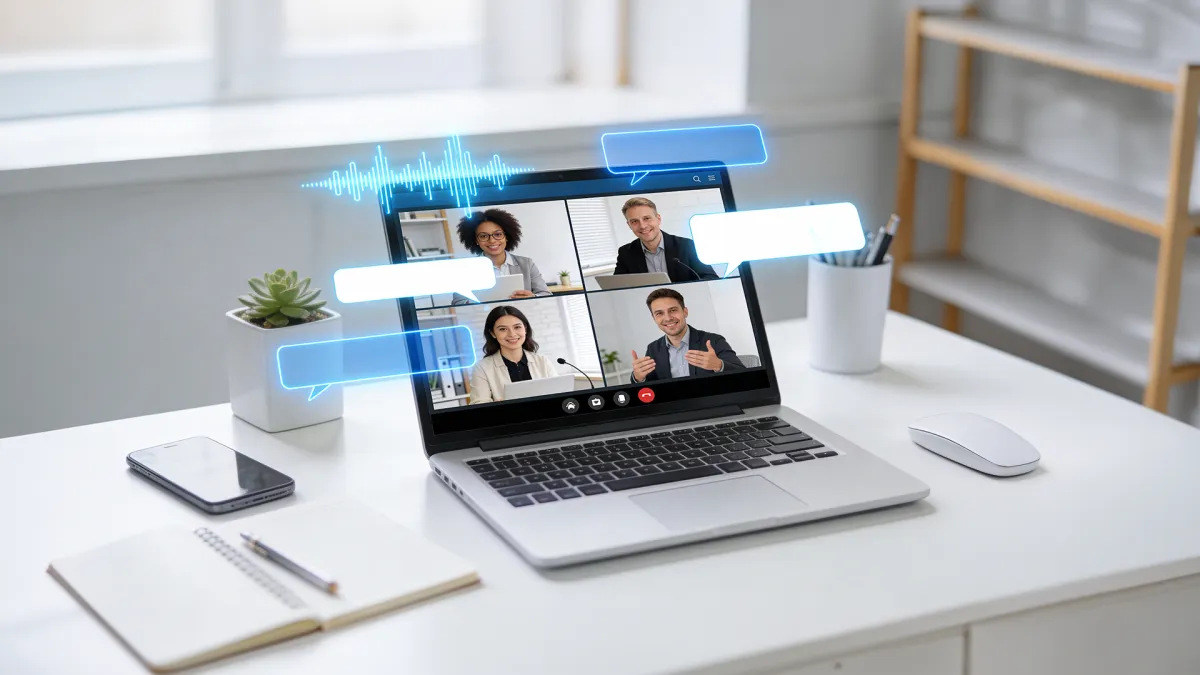
Meeting Transcriber
Auto-transcribe meeting recordings with speaker separation, summaries, and action items exportable to Word, PDF, or Notion.
Meeting Transcriber
Auto-transcribe meeting recordings with speaker separation, summaries, and action items exportable to Word, PDF, or Notion.
Meeting Transcriber
Auto-transcribe meeting recordings with speaker separation, summaries, and action items exportable to Word, PDF, or Notion.
Remix area

No shared posts yet.
AI Meeting Transcriber: Turn Conversations into Searchable Text
Aitopia's AI Meeting Transcriber turns audio recordings of meetings, interviews, and conversations into accurate, searchable text - with speaker labels, timestamps, and optional automatic summaries. Upload a recording and the AI handles transcription, formatting, and structure in one pass. Useful for sales teams, journalists, researchers, and anyone who needs to capture spoken content without taking notes by hand.
What Is the AI Meeting Transcriber?
An AI meeting transcriber is a speech-to-text tool tuned for conversational audio. Beyond raw transcription, the agent handles speaker diarization (identifying who said what), timestamp generation, and content structuring. Modern transcription accuracy on clean audio is typically 95%+ - close to professional human transcription quality.
How Aitopia's AI Meeting Transcriber Works
Three steps from audio recording to structured transcript.
1. Upload Recording
Drop in MP3, WAV, M4A, or common video formats. Works on meeting recordings, interview audio, podcast files, and voice memos.
2. Set Language and Speaker Settings
Pick the audio's primary language (multiple supported) and indicate the number of expected speakers if known. Auto-detection works for most cases.
3. Generate Transcript
Output is a structured transcript with speaker labels, timestamps, and clean formatting. Optional: generate automatic summary, key takeaways, or action items.
Common Use Cases
Sales call review. Sales teams transcribe customer calls for coaching, pattern analysis, and CRM entry. Searchable transcripts make every conversation a queryable resource.
Journalism and research. Reporters and researchers transcribe interviews and field recordings for accurate quotation and reference.
Internal meeting notes. Distributed teams convert meeting recordings into shareable text records for async review by team members who couldn't attend.
Podcast and content production. Podcasters use transcripts for show notes, blog post conversion, and SEO-friendly content extraction from audio.
Why Choose Aitopia's AI Meeting Transcriber
Speaker diarization. Speakers automatically identified and labeled. No manual "who said what" annotation required.
Multi-language support. Major world languages supported. Useful for cross-border teams and multilingual meetings.
Optional structured outputs. Beyond raw transcript, generate summaries, key takeaways, and action items in the same workflow.
Tips for Better Results
- Clean audio produces dramatically better transcription accuracy. Reduce background noise and overlapping speech where possible.
- Use external microphones rather than laptop built-ins for important meetings you'll transcribe later.
- For multi-language meetings, indicate the primary language clearly.
- Review speaker labels in the first few minutes of output and correct any mistakes; the model uses them as reference for the rest of the file.
- For commercial use, follow consent and recording-law requirements in your jurisdiction.
Try the AI Meeting Transcriber Now
Skip the manual note-taking. Aitopia's AI Meeting Transcriber turns any recording into a searchable, structured transcript - fast, accurate, free to try.
Frequently Asked Questions
- How accurate is the transcription?
- Typically 95%+ on clean audio with clear speakers. Accuracy drops with heavy background noise, accents the model handles less well, or overlapping speech.
- Will it identify each speaker correctly?
- Yes - the agent auto-identifies and labels speakers. For complex multi-speaker meetings, expect to verify and adjust labels initially.
- What languages are supported?
- Major world languages including English, Spanish, French, German, Mandarin, Japanese, Arabic, and many more.