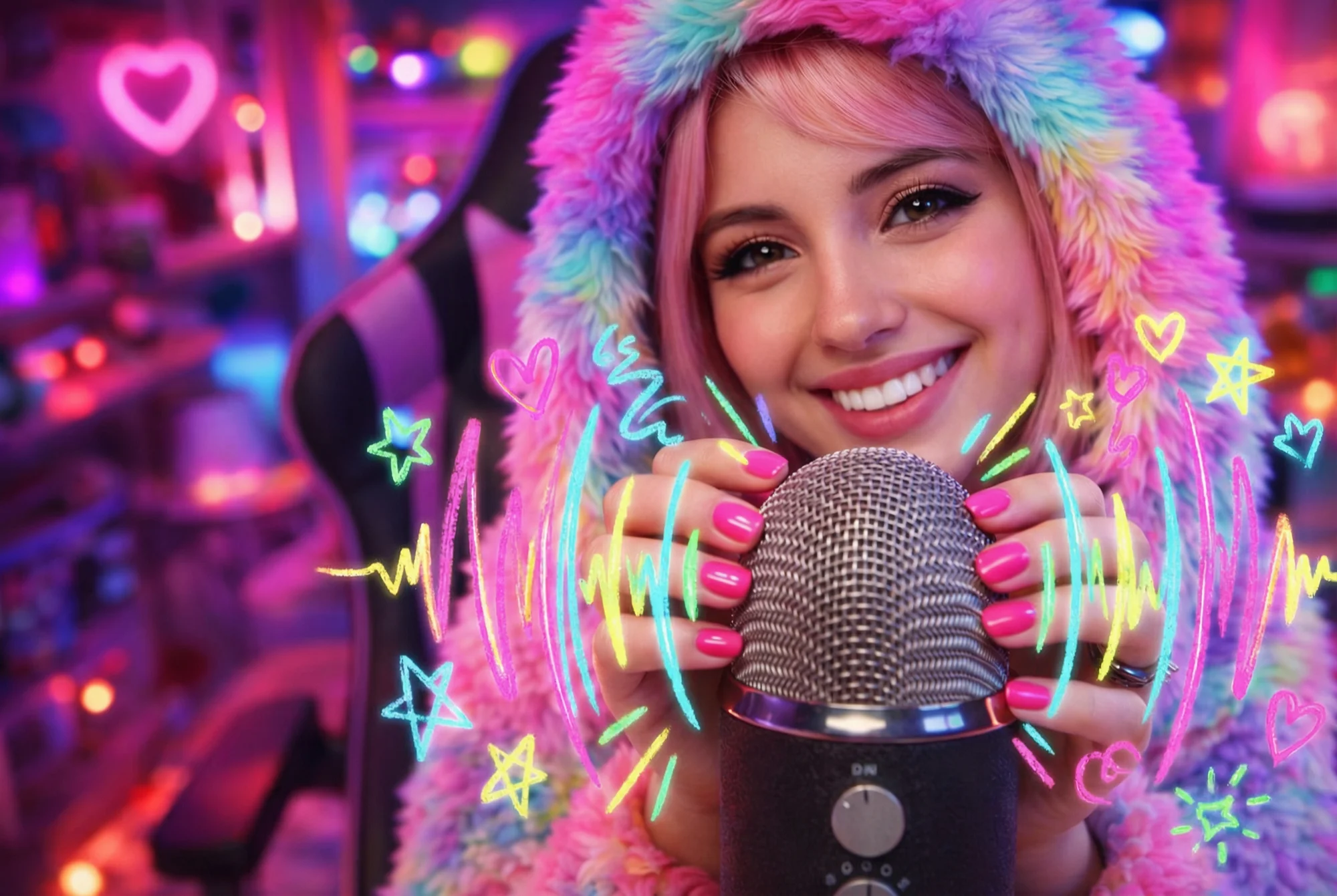
ASMR Add-On
Add ASMR-style sound effects to product videos like unboxing clicks, whispers, and gentle music.
ASMR Add-On
Add ASMR-style sound effects to product videos like unboxing clicks, whispers, and gentle music.
ASMR Add-On
Add ASMR-style sound effects to product videos like unboxing clicks, whispers, and gentle music.
Remix area

No shared posts yet.
ASMR Add-On: Layer ASMR Audio onto Any Existing Video
Aitopia's ASMR Add-On layers soothing ASMR audio onto your existing videos - soft tapping, gentle pouring, ambient room tones, calming whispers. Upload a video and the AI generates synchronized ASMR audio matched to the visual content. Useful for creators converting standard videos into ASMR-style content, brands adding sensory depth to product showcases, and editors enhancing soft-content videos with appropriate ambient sound.
What Is the ASMR Add-On Agent?
ASMR Add-On is an audio generation tool tuned for adding ASMR-style sound design to existing video. Where ASMR Classic generates both visuals and audio together, the Add-On agent works with video you already have - analyzing visual content and generating soft, calming audio that matches the on-screen action. Useful when you have video but want to convert it into ASMR-style content.
How Aitopia's ASMR Add-On Agent Works
Three steps from existing video to ASMR-enhanced output.
1. Upload Your Video
Drop in any existing video - product demo, lifestyle content, cooking video, beauty tutorial. Slow, deliberate motion produces strongest ASMR matches.
2. Set ASMR Style and Intensity
Choose ASMR sub-genre (kitchen ASMR, beauty ASMR, ambient room tone, whisper voice) and intensity level. Each combination produces different sound design.
3. Generate ASMR-Layered Output
Output is your video with ASMR audio synchronized to visual content. Layered properly so ASMR enhances rather than overwhelms original audio if any.
Common Use Cases
Standard video to ASMR conversion. Creators with existing video libraries (cooking, beauty, product demos) convert content into ASMR-style versions for the dedicated ASMR audience.
Product demos with sensory dimension. Beauty, food, and self-care brands enhance product videos with ASMR audio for higher engagement and watch time.
Sleep and wellness content libraries. Sleep-content channels expand their library by adding ASMR audio to existing footage rather than producing each piece from scratch.
Background ambient for streams and podcasts. Streamers and podcasters use ASMR-enhanced video clips as background ambient content for their broadcasts.
Why Choose Aitopia's ASMR Add-On Agent
Synchronized to visual content. Audio matches the on-screen action - pouring video gets pouring sound, tapping motion gets tapping audio. The match makes the ASMR feel authentic.
Multiple ASMR sub-genres. Kitchen ASMR, beauty ASMR, whisper voice - each has distinct audio signature. Match to your video content for strongest output.
Existing video preservation. Original video stays intact. The agent adds audio rather than regenerating visuals.
Tips for Better Results
- Slow, deliberate motion in source videos produces stronger ASMR audio matches.
- Match ASMR style to video content - kitchen ASMR over beauty content feels mismatched.
- Test multiple intensity levels - soft ambient may suit some videos better than prominent ASMR sound.
- For commercial use, ensure ASMR audio doesn't compete with original voiceover or product audio.
- Pair with ASMR Classic when you want full audio-visual generation rather than overlay on existing content.
Try the ASMR Add-On Agent Now
Skip the ASMR re-recording. Aitopia's ASMR Add-On layers soothing audio onto your existing videos - convert content into ASMR style, free to try.
Frequently Asked Questions
- How is this different from ASMR Classic?
- Classic generates both video and audio together. Add-On layers audio onto video you already have. Different workflows for different starting points.
- Will the original video audio be replaced?
- Configurable. By default ASMR adds alongside existing audio; you can also fully replace the original soundtrack with ASMR.
- Does it work for any video length?
- Best for shorter clips (under 60 seconds). Longer videos process slower with potentially less coherent ASMR audio across the full length.