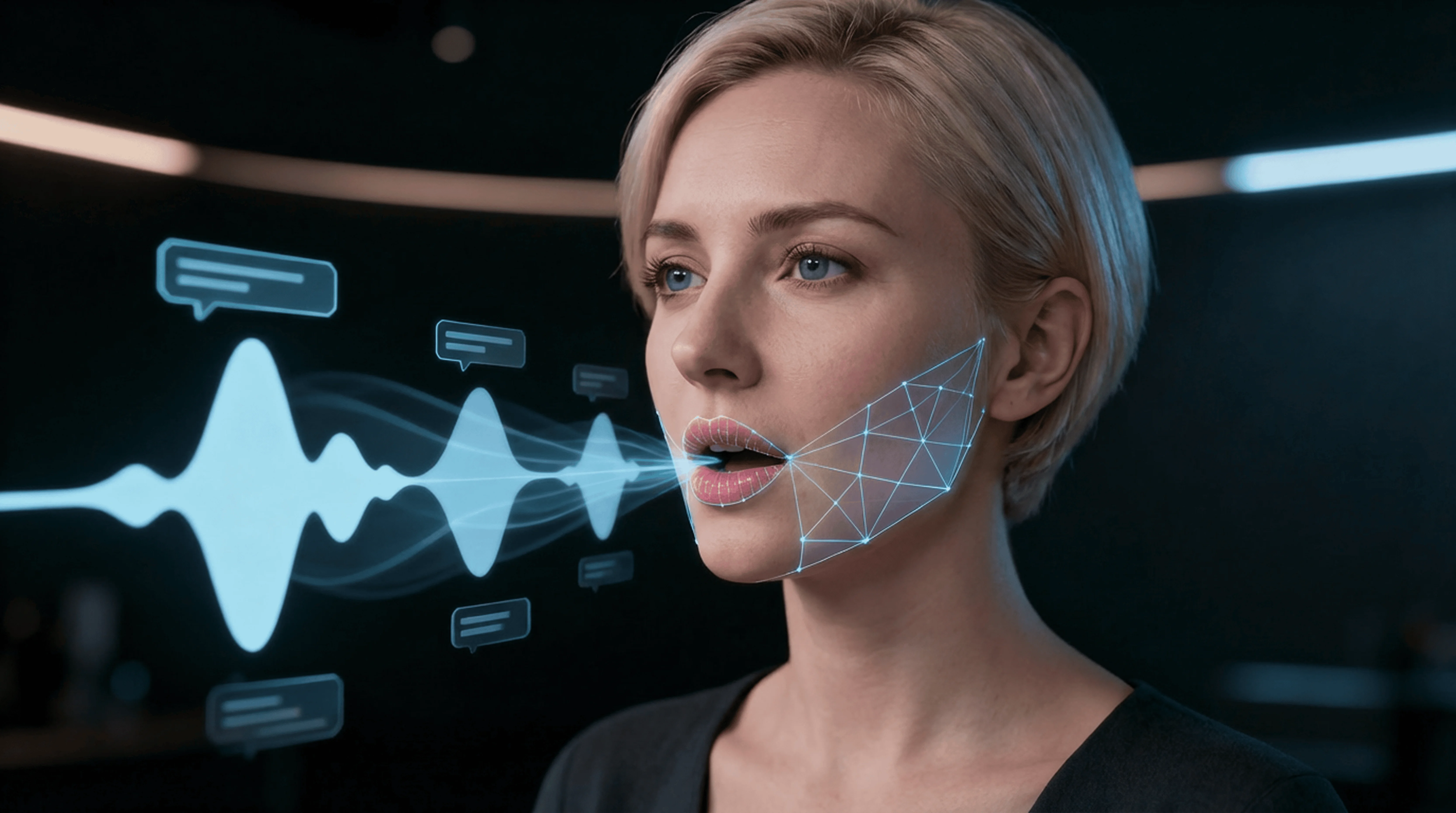
Lipsync Studio
Make a video speak any text or audio with natural lip sync for localization and avatar hosts.
Lipsync Studio
Make a video speak any text or audio with natural lip sync for localization and avatar hosts.
Lipsync Studio
Make a video speak any text or audio with natural lip sync for localization and avatar hosts.
Remix area

No shared posts yet.
AI Lipsync Studio: Sync Any Voice to Any Video
Aitopia's AI Lipsync Studio syncs any audio track to a video - making the speaker's mouth match new words, new languages, or entirely different voices. Upload a video and an audio clip (or type a script for text-to-speech) and the AI rebuilds the mouth movement to match. Useful for dubbing, multilingual content, talking-head edits, and any project where the audio doesn't match the original recording.
What Is the AI Lipsync Studio?
AI lipsync is a video editing technique where the speaker's mouth movement is reanimated to match new audio. Modern lipsync models analyze the audio's phonemes (sound units) and reshape the mouth in each video frame to match. Done well, the speaker appears to actually be saying the new audio - not lip-syncing along.
How Aitopia's AI Lipsync Studio Works
Three steps from mismatched video and audio to perfect sync.
1. Upload Video
A video with a visible speaker - front-facing or three-quarter angles work best. Clean original mouth movement helps the model.
2. Provide New Audio
Upload a recorded audio file, or type a script and pick a voice (works with the voice cloner). The new audio drives the new mouth movement.
3. Generate Synced Output
The AI rebuilds the mouth movement to match the audio. Output is the original video with synced new audio - usable directly, or refined further.
Common Use Cases
Multilingual content production. Translate a video into multiple languages with the speaker's mouth moving for each language - far more polished than subtitle-only localization.
Educational and tutorial content. Update a tutorial's narration without reshooting. Useful when product steps change but the on-camera talent is no longer available.
Marketing and ad localization. Single video shoot, multiple language deployments - the speaker appears to deliver each version natively.
Creative and entertainment. Fan dubs, parody videos, and creative voice-over projects where the joke depends on the speaker appearing to actually say the new lines.
Why Choose Aitopia's AI Lipsync Studio
Natural-looking mouth movement. The model rebuilds mouth shape per frame to match phonemes. Output reads as real speech, not a dubbed track.
Multi-language support. Works across languages - the model isn't tied to specific phonetic systems.
Pairs with voice cloner. Clone the original speaker's voice in any language, then lipsync them to it. Full multilingual production from a single English video source.
Tips for Better Results
- Source videos with clear, front-facing speech work best. Profile views and rapid head movements are harder for the model.
- Match speech rate to the original video roughly - far slower or faster than the original creates obvious sync issues.
- For multilingual work, pair with voice cloner so the new audio sounds like the original speaker.
- Keep clips short (under 30 seconds) for tightest sync; longer videos process slower with potential drift.
- Pair with the video upscaler for high-resolution output if needed.
Try the AI Lipsync Studio Now
Skip the dubbing studio. Aitopia's AI Lipsync Studio makes any speaker say any words convincingly - multi-language, free to try.
Frequently Asked Questions
- Does it work with any voice?
- Yes - original recordings, AI-generated voices, voice clones all work as audio input.
- Is the lipsync visible up close?
- Strong sync at typical viewing distances. Extreme close-ups on the mouth may reveal small inconsistencies - test before committing.
- Will the rest of the face stay natural?
- Yes - only the mouth area is modified. Eyes, expression, and head movement stay identical to the source.