Sora Video Tool
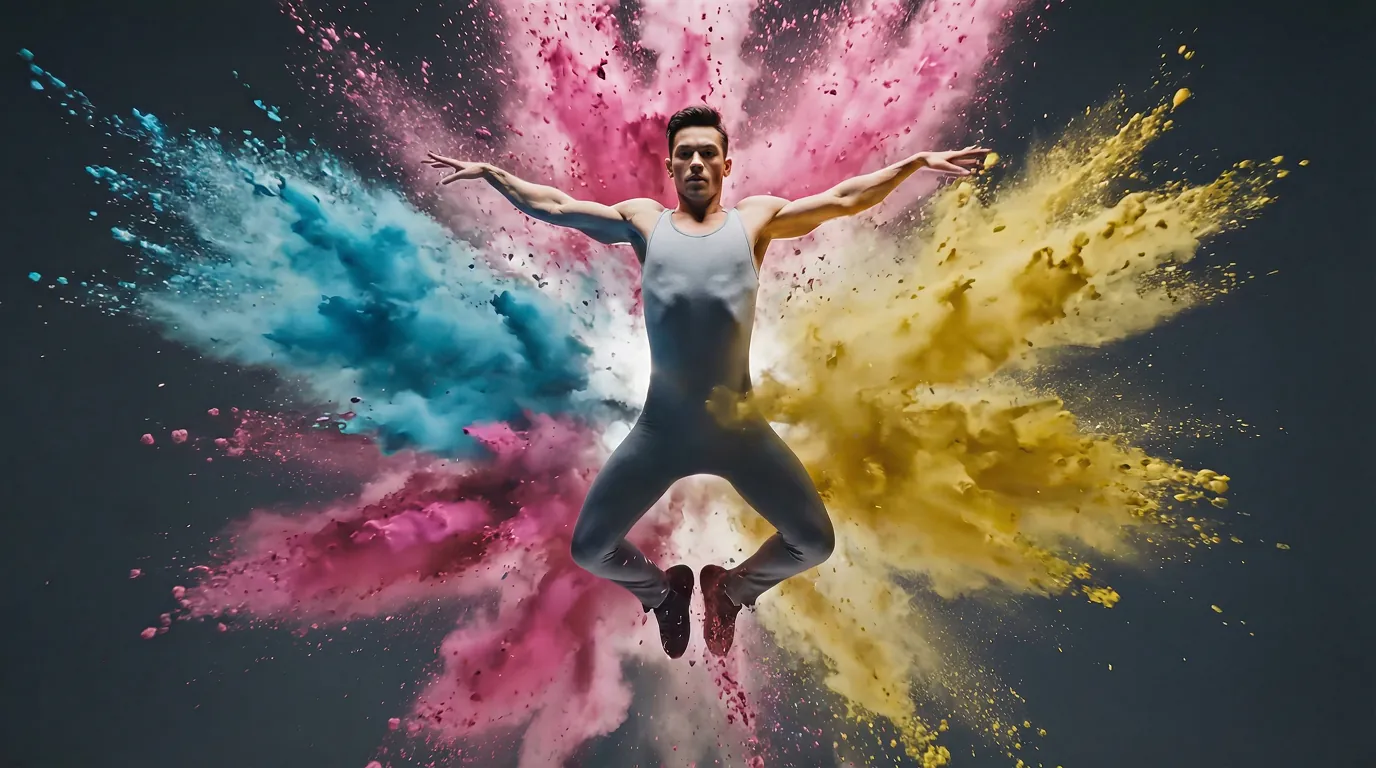
Generate cinematic AI videos from product information for striking promotional clips.
Sora Video Tool
Generate cinematic AI videos from product information for striking promotional clips.
Sora Video Tool
Generate cinematic AI videos from product information for striking promotional clips.
Remix area

No shared posts yet.
Sora Video Tool: Generate AI Videos from Product Images
Aitopia's Sora Video Tool generates AI videos from product information and images - Sora-style cinematic motion, smooth camera moves, and bring your product, character, or scene to life with seconds of polished video. Upload an image, describe the action you want, and the AI delivers production-grade video without a camera, crew, or post-production timeline. Built for product launches, social campaigns, and creative storytelling.
What Is the Sora Video Tool?
The Sora Video Tool is an image-to-video agent powered by next-generation video models including Sora. Where text-to-video starts from a description and generates whatever it imagines, image-to-video starts from your specific reference and animates it - giving you tighter control over the starting frame and what the final video looks like.
How Aitopia's Sora Video Tool Works
Three steps from product photo to cinematic video clip.
1. Upload Your Image
Drop in a product photo, character reference, or scene. Higher-quality starting images produce stronger video output.
2. Describe the Motion
Tell the AI what should happen - "slow rotation around the product on a marble surface," "camera pans across the city skyline at sunset." Be specific about camera language.
3. Generate the Clip
Output is typically 5-10 seconds of cinematic-grade video. Download for social, marketing, or further refinement in editing tools.
Common Use Cases
Product launches. Hero videos for new product reveals - cinematic, branded, no production cost. Especially useful for D2C brands shipping fast.
Social ad creative. TikTok, Instagram Reels, and YouTube Shorts ad tests with multiple video variants from the same product photo.
Pitch decks and investor material. Product visions in motion, not just static slides - strong differentiator in fundraising materials.
Concept and creative direction. Visualize ideas in motion before committing to full production. Useful for agencies pitching campaign concepts.
Why Choose Aitopia's Sora Video Tool
Sora-grade cinematic motion. Output captures the smooth, deliberate motion that next-gen video models produce - far beyond stock animation.
Image-controlled starting frame. You decide what the video starts with by uploading the exact reference. Less variability than pure text-to-video.
Multiple model integration. Pick from Sora, alternative top video models, or specialized variants depending on your use case.
Tips for Better Results
- Start with strong reference images - clean, well-lit, high-resolution photos produce stronger video output.
- Use cinematic camera language - "slow dolly-in," "crane shot rising," "subtle parallax" - beats vague motion descriptions.
- Keep clips short. 5-10 seconds is the sweet spot; longer outputs lose coherence in current models.
- Generate multiple takes - variation between runs is real, and the best clip is often the third or fourth attempt.
- Pair with the video upscaler for higher-resolution final output if needed for projection or large display.
Try the Sora Video Tool Now
Skip the production schedule. Aitopia's Sora Video Tool turns product images into cinematic video clips in seconds - free to try, ready to share.
Frequently Asked Questions
- How long can the generated video be?
- Typically 5-10 seconds. Longer outputs are technically possible but quality drops; chain multiple clips for longer narratives.
- Does the output include audio?
- Models vary - some include native audio, others produce silent video. Pair with the music generator or voice cloner to add audio in post.
- Can I generate videos for different aspect ratios?
- Yes - square for Instagram, vertical for TikTok/Reels, widescreen for YouTube. Pick the ratio at generation time.