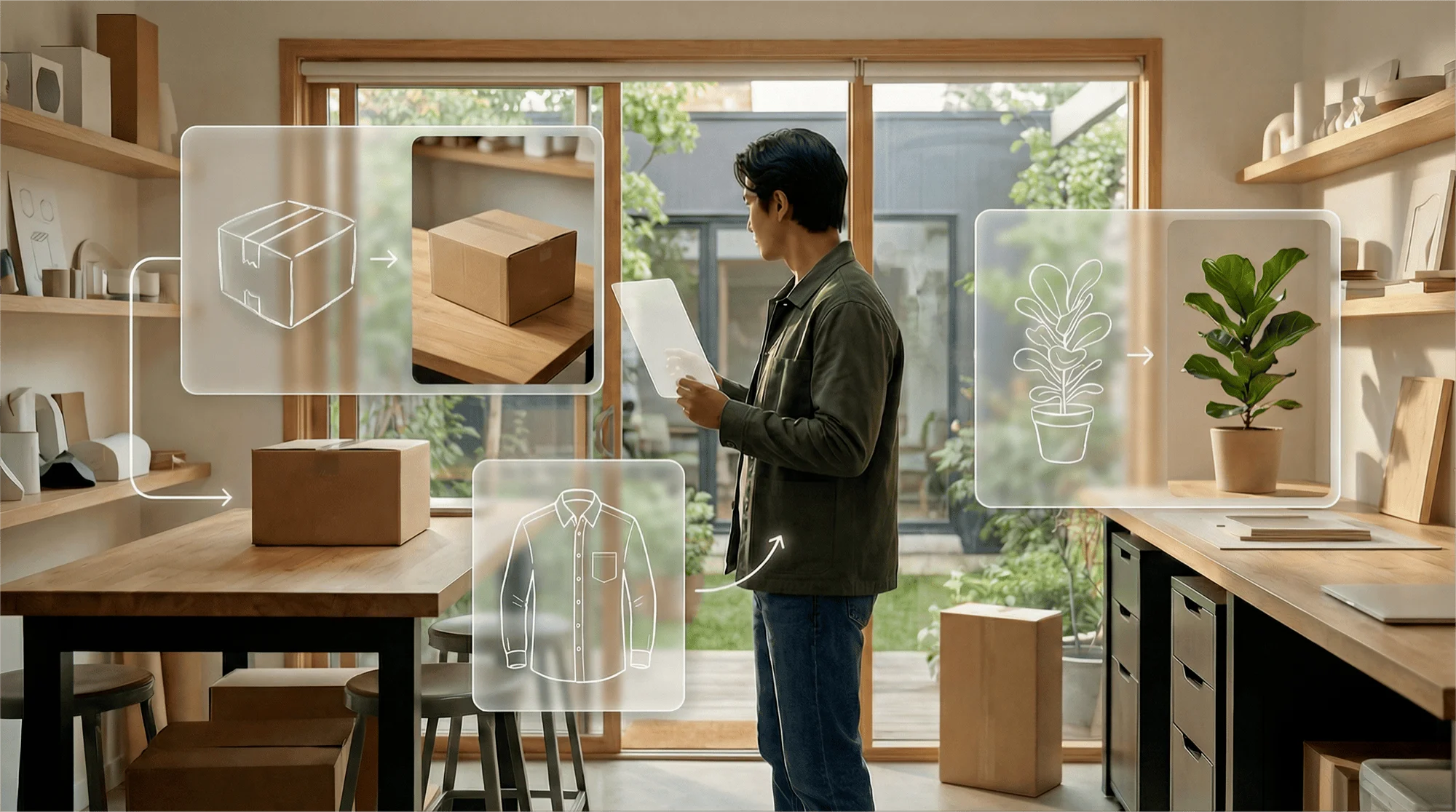
Sketch to Image
Turn a hand sketch or doodle into a realistic, full-color image to nail concepts in seconds.
Sketch to Image
Turn a hand sketch or doodle into a realistic, full-color image to nail concepts in seconds.
Sketch to Image
Turn a hand sketch or doodle into a realistic, full-color image to nail concepts in seconds.
Remix area

No shared posts yet.
Sketch to Image AI: Turn Drawings into Realistic Photos
Aitopia's Sketch to Image AI converts your sketches and doodles into finished images - photorealistic portraits, detailed illustrations, paintings, and more. The model preserves your composition and intent while filling in the realism, color, and texture. Useful for designers, illustrators, students, and anyone who can sketch but doesn't want to render every detail by hand.
What Is the Sketch to Image Agent?
Sketch to image AI is a generation model conditioned on line drawings. You provide the structure as a sketch; the model fills in the details, materials, and lighting. Unlike pure text-to-image, this approach gives you precise compositional control - the final image follows your drawing's pose, framing, and proportions.
How Aitopia's Sketch to Image Agent Works
Three steps from doodle to finished image.
1. Upload Your Sketch
Pencil drawings, digital sketches, doodles - any line drawing works. Higher contrast between lines and background produces cleaner conversions.
2. Describe Style and Subject
Tell the model what the sketch represents and what style you want - "a photoreal portrait of a young woman, soft natural light" or "a painted oil portrait, dramatic lighting."
3. Generate the Final Image
Output preserves your sketch's structure but adds full rendering. Iterate on prompt for variations.
Common Use Cases
Concept art and illustration. Concept artists sketch quickly, then use AI to render multiple style options without committing to one.
Design thinking and ideation. Designers ideate visually, then generate finished references to share with stakeholders without polishing every sketch.
Education and learning. Art students compare their sketches against AI-rendered versions to study lighting, materials, and finishing techniques.
Fashion and product design. Designers sketch garments or products, then visualize them in finished form for pitches and client review.
Why Choose Aitopia's Sketch to Image Agent
Composition control. Unlike text-to-image, sketch-to-image follows your specific composition - useful when you have a clear visual idea.
Multiple style outputs. Same sketch can become photoreal, painted, illustrated, or stylized - pick the rendering that fits the project.
Fast iteration. Sketch quickly, render fast. Useful for early-stage creative work where commitment to one direction would slow exploration.
Tips for Better Results
- Keep sketches clean - clear lines beat shaded, ambiguous drawings.
- Add prompt context the sketch can't show (lighting, time of day, materials, mood).
- For specific styles, reference the medium clearly: "oil painting," "3D render," "watercolor," not just "art."
- Run the same sketch through multiple styles for comparison - the right choice often surprises you.
- Pair with the upscaler for high-resolution finals.
Try the Sketch to Image Agent Now
Skip the long render time. Aitopia's Sketch to Image AI turns your drawings into finished images - your composition, the model's polish, free to try.
Frequently Asked Questions
- Do my sketches have to be detailed?
- No. Even rough doodles work - the model uses them as compositional guides, not exact references.
- Will the output match my sketch exactly?
- Composition follows your sketch closely. Small details (exact eye shape, finger position) are filled in by the model.
- Can I sketch in any tool?
- Yes - pencil, digital, tablet, or even photographed napkin sketches all work.